Getting started: download your guide & submission form
When you registered to enter the awards, you should have received an email titled ‘Thank you for signing up to Wilder Kent Awards!🏆’ which included a link to download your entrants' guide. This will be different depending on which category you are entering. These are full of tailored ideas for each entrant category and will help us work together across the county to create a #WilderKent.
Entrants' guides & submission forms can be found below:
Schools Nurseries Colleges Universities
Community Groups Villages, Towns & Cities Businesses
We’d recommend creating a Wilder Kent Awards folder on your computer/laptop and saving your entrants' guide and your submission form in there so that you can find them easily later. We’d also suggest creating three sub-folders for your evidence in your Wilder Kent Awards folder, one for each section of the awards:
1. Protect and Restore Nature
2. Sustainability and Carbon Reduction
3. Inspire and Collaborate.
Help us create a #WilderKent
Throughout the year, use your entrants' guide as well as our actions page, to give you ideas on how to make your world more sustainable and wildlife friendly. It’s worth having a read through the submission form before you start to give you an idea of what we’ll be looking for. Easier actions to get started with might be ‘ensure areas of long grass are left to provide wildlife habitat on site’, ‘reuse and re-purpose old materials to help wildlife’ or ‘engage with campaigns and conservation projects’.
Collect your evidence
As you take part in actions, it’s important to remember to gather photos for evidence as these will support your written submission and will be referred to during our marking process. It’s important to remember to take these photos through the year; it's no use trying to take a photo of your magnificent wildflower meadow in December – take it in June when it’s in full bloom.
We suggest regularly dropping your photos into the relevant sub-folder (either 1, 2, or 3, depending on the action) to help you keep track of what you’re achieving and reduce admin time when filling in your submission form.
Photos are useful, but they are not the only way to demonstrate the actions you have taken throughout the year. Your evidence can also include videos, worksheets, reports, data, other certificates and press coverage.
Completing the submission form
We recommend that you use the Word document as a working document, filling it in throughout the year as you complete actions (just make sure you save it!). This is much less stressful than filling it out in one go before you submit your form online and ensures you don’t miss anything out. This year the deadline for submission is 31st January 2026.
When you are ready to collate your hard work from across the year, download the form as a Word Document and start typing it up. We don’t need lots of detailed paragraphs, just a few concise sentences to let us know how you completed the action, who was involved, and any impact it has had on wildlife, sustainability, and people’s relationships with nature. It is sometimes helpful to note where there are supporting images attached. You can find an example submission form below:
If you are unable to complete an action due to reasons outside of your control, please let us know in your submission form. However, we’d really love to hear about it if you’ve been thinking outside of the box and have found ways to make a meaningful difference despite facing additional challenges.
Once you have completed your form and gathered your evidence, you are ready to submit - you can do so through our online JotForm:
Unfortunately, you cannot save and return to this online form at a later time, so please ensure you have your submission form (Word doc) and all of your evidence available and ready when you begin your submission.
Uploading your evidence & submission form online
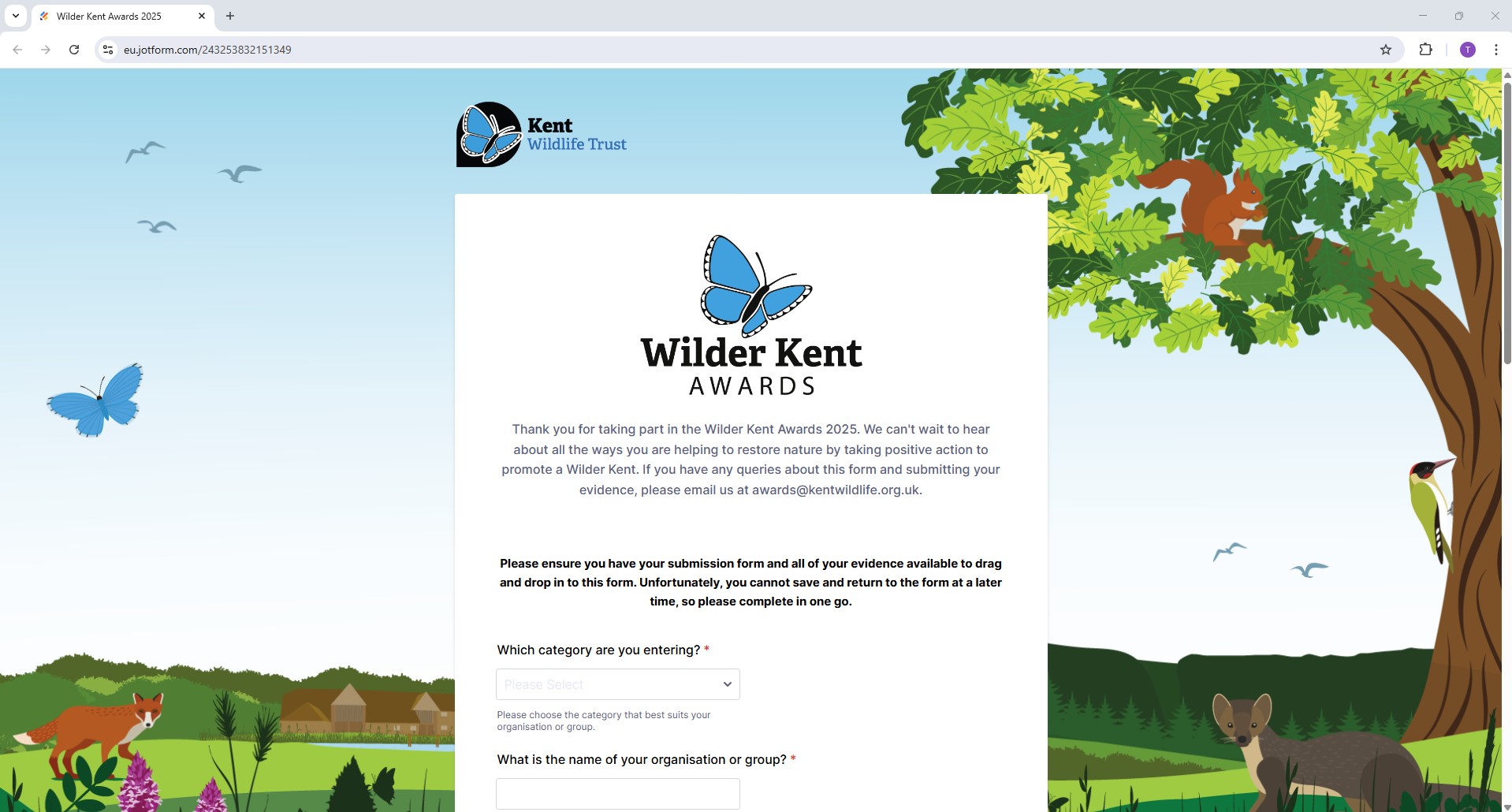
Your page should then look like this:
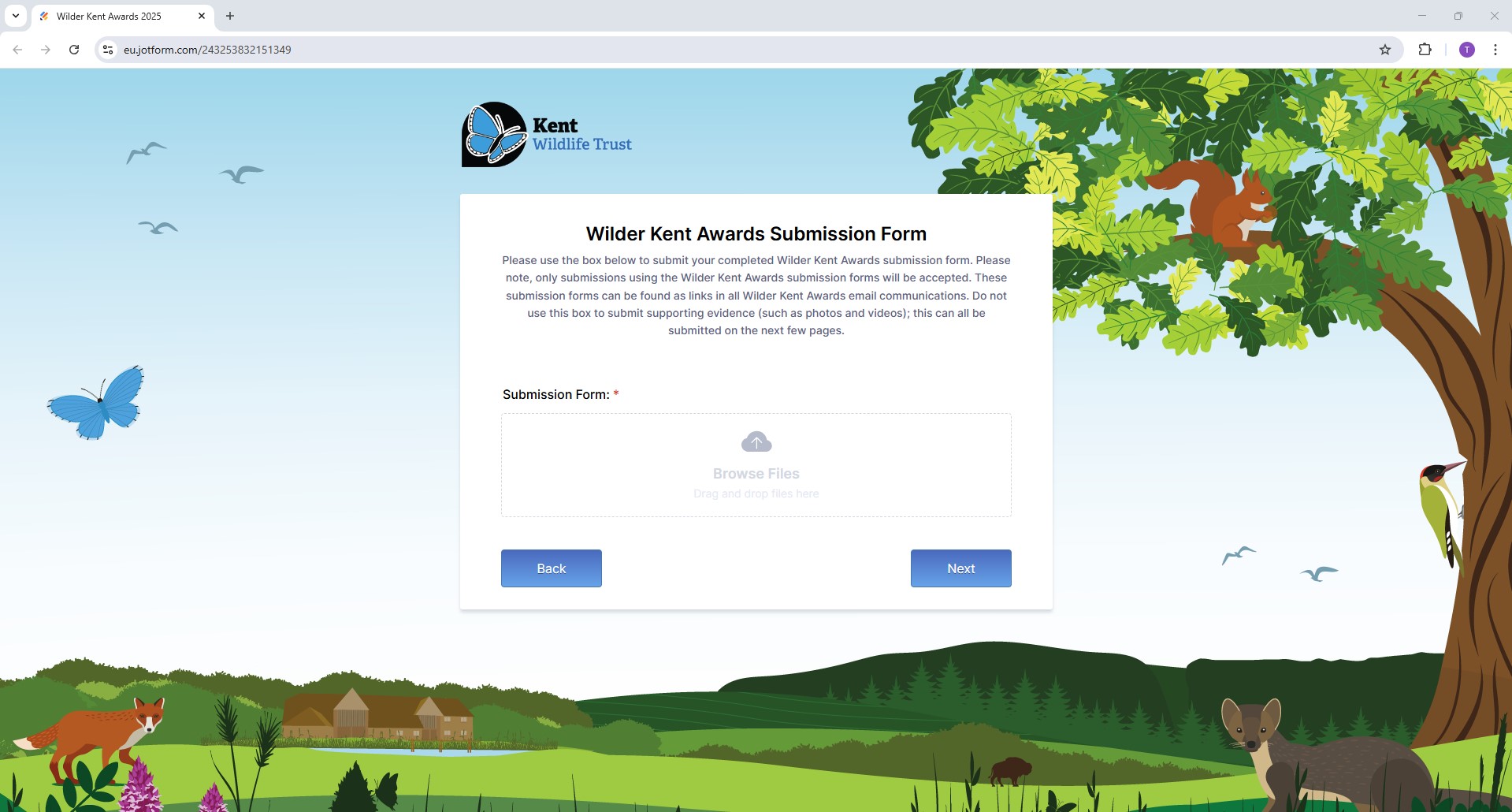
The next page will allow you to attach your evidence from sub-folder 1 – Protect & Restore Nature. Please click ‘Browse Files’ and select the contents of your sub-folder 1 or drag and drop the contents of the folder into the box (see screenshot below).
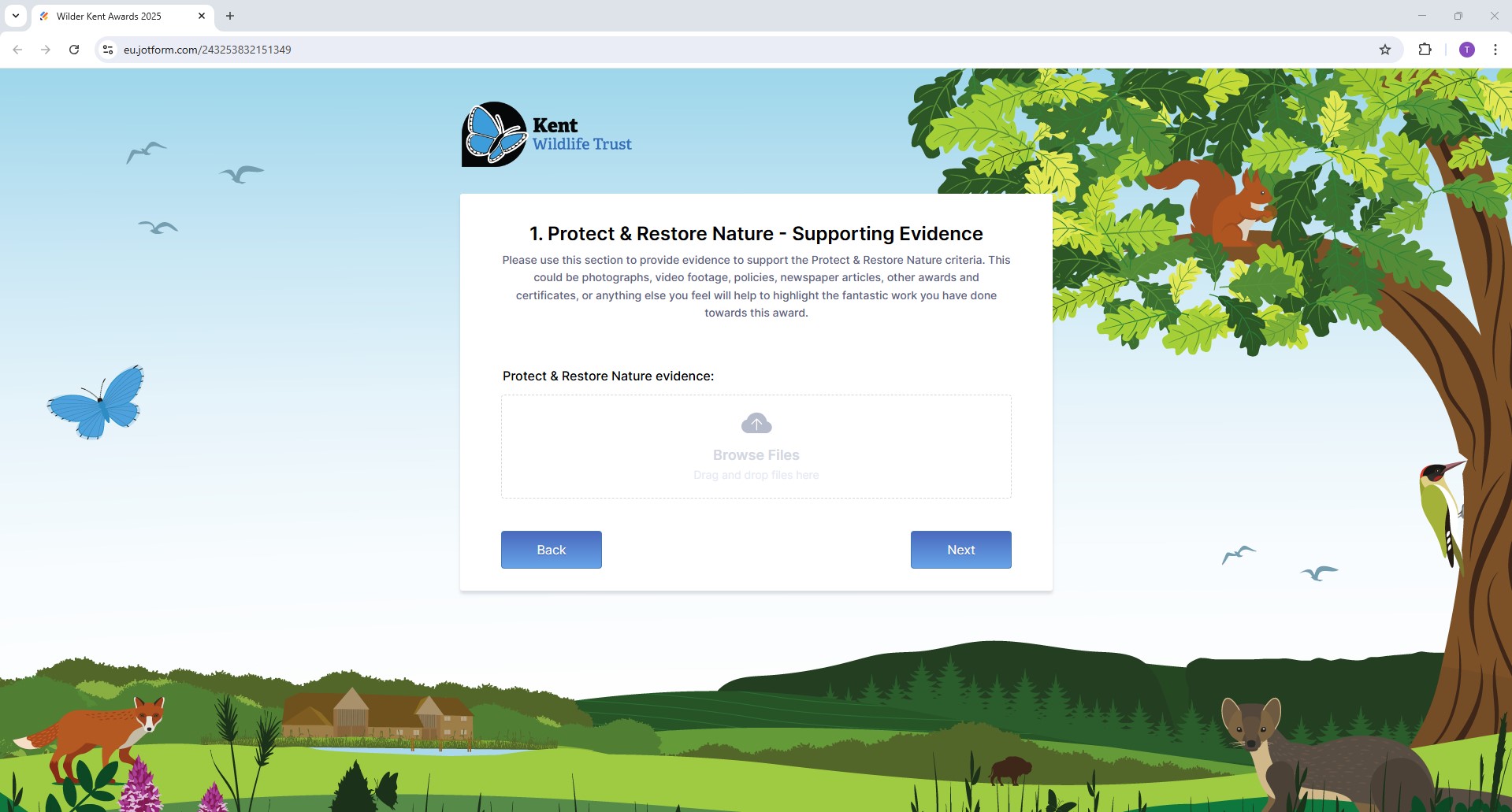
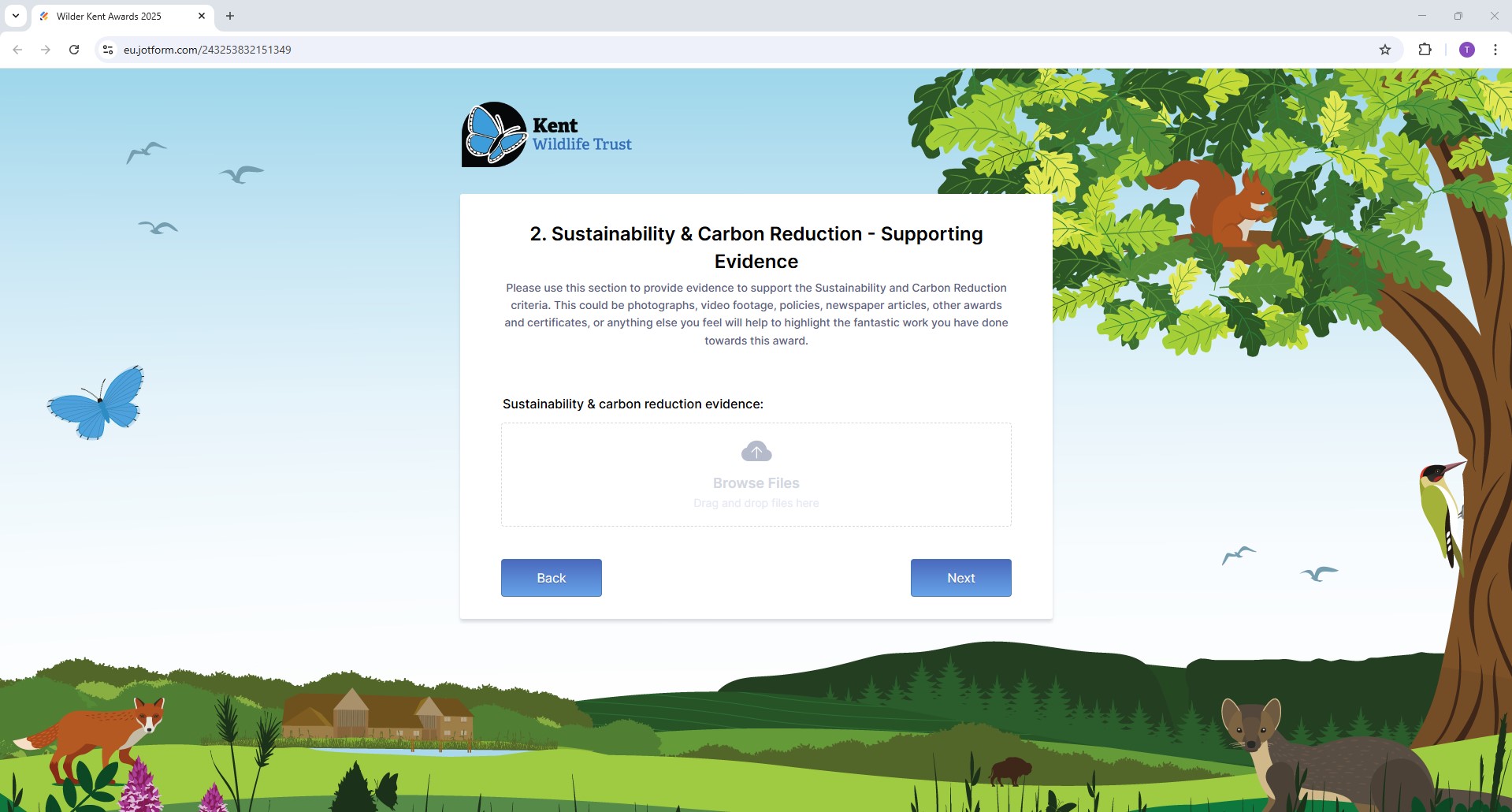
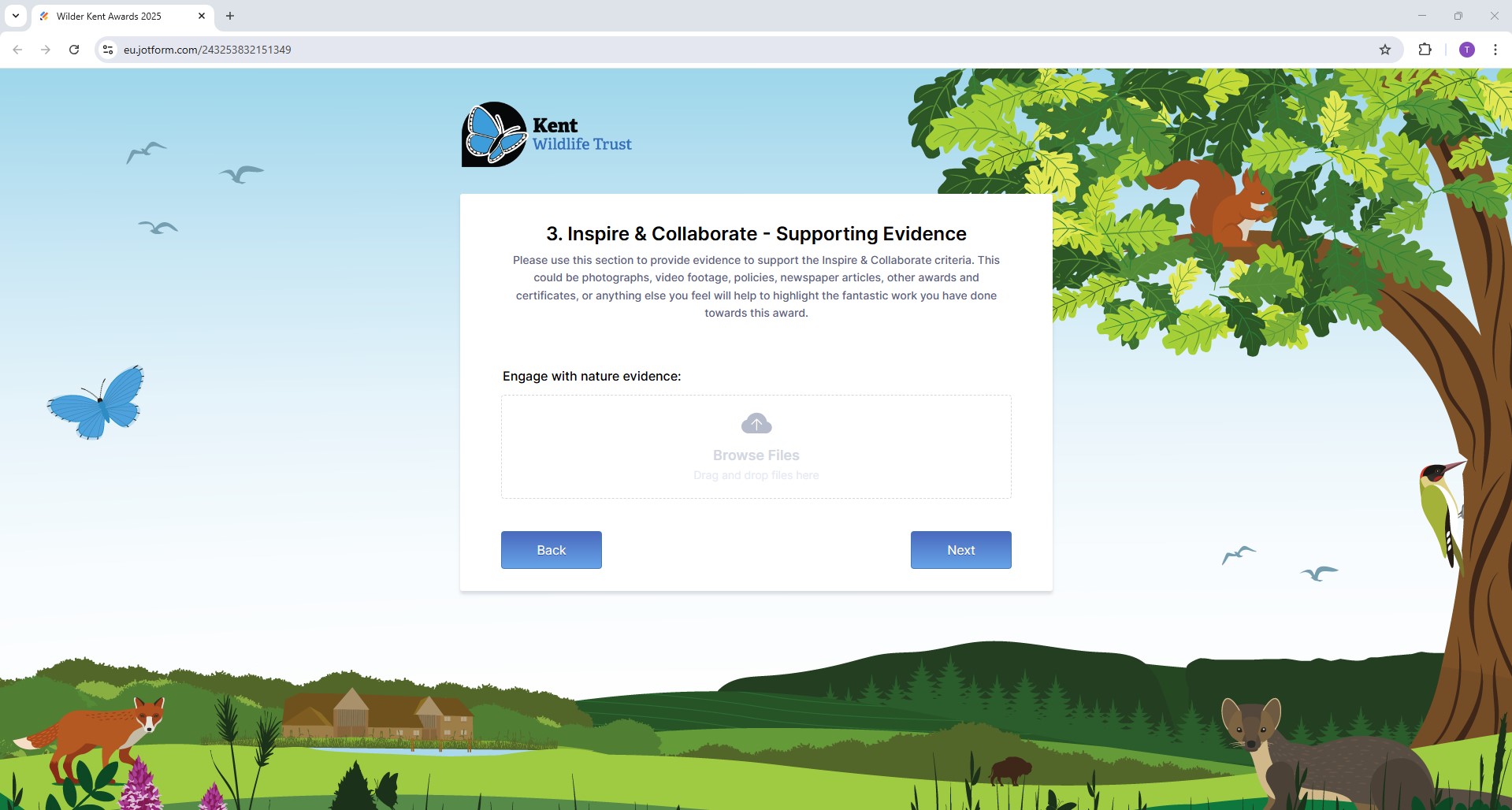
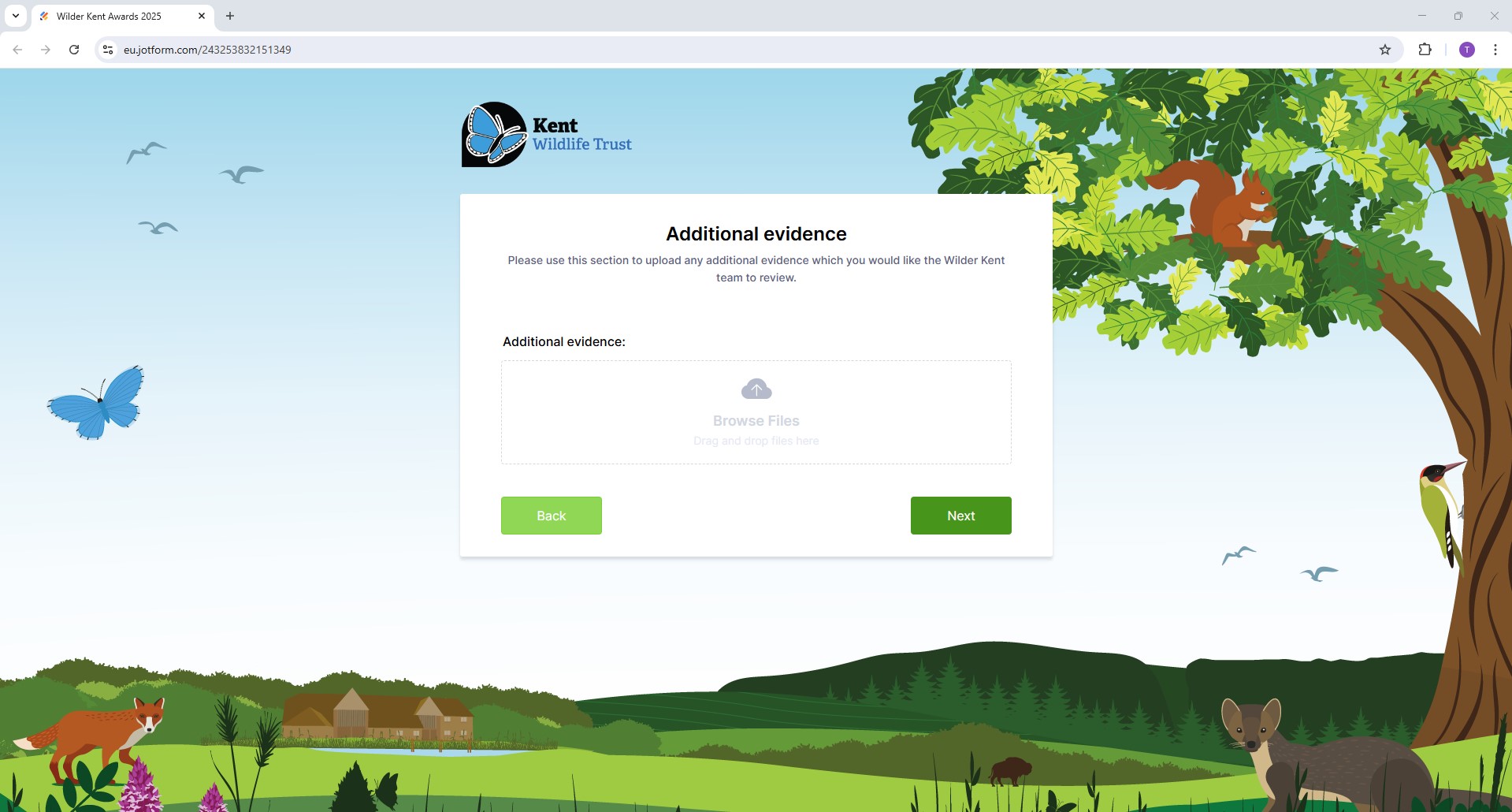
(The additional evidence section is not a mandatory field)
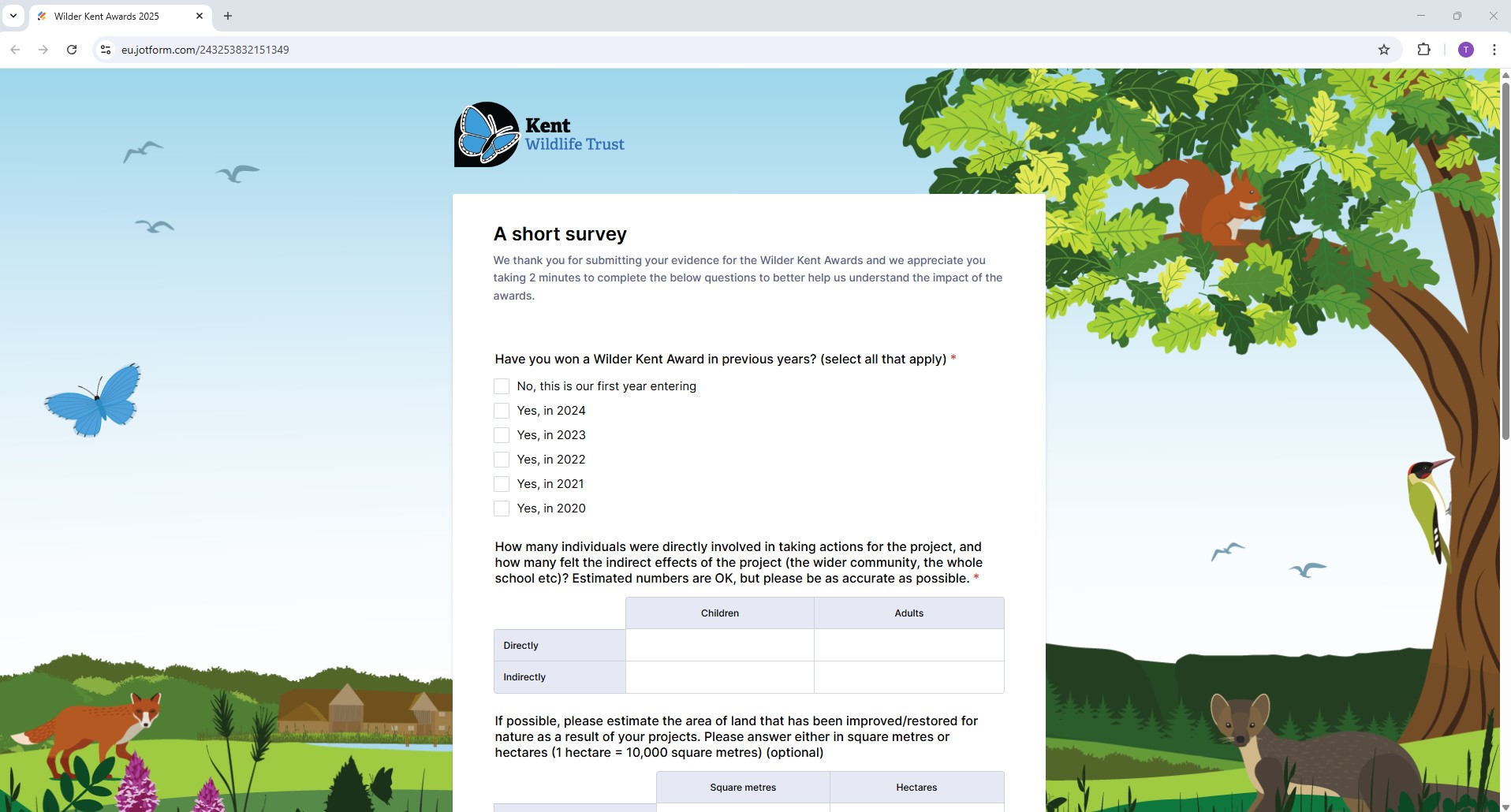
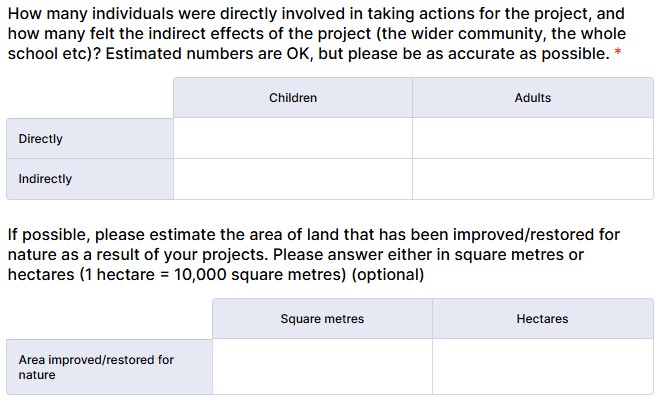
Thank you – these responses are really helpful for us evaluating the impact of the Wilder Kent Awards.

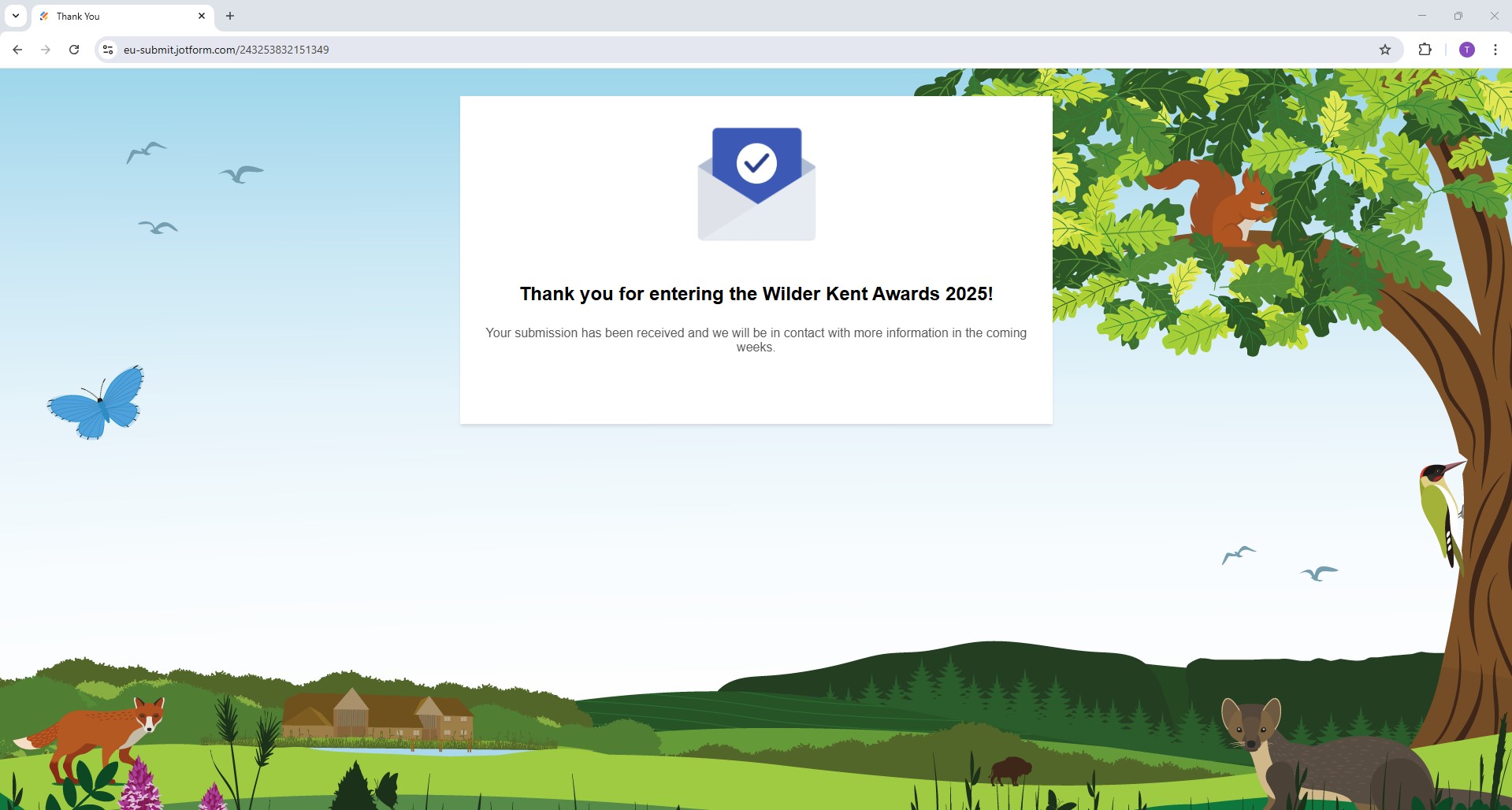
When you’re all done, you will receive an email to confirm your submission, and the screen will look like this: